HTML5 Browser Games Explained
How can a game run in a browser tab with nothing to install? A friendly, jargon-free look at the technology behind HTML5 games and why they work on every device.
You open a web page, and a game starts. No download, no installer, no app store. It works on your laptop, your phone and your tablet. That is the magic of HTML5 games. But what is actually happening behind the scenes? Here is a plain-English explanation.
What "HTML5" means
HTML is the language every web page is written in. HTML5 is the modern version, and it came with new building blocks that make games possible directly in the browser. When people say "HTML5 game", they usually mean a game built with standard web technologies: HTML for structure, CSS for styling and JavaScript for the game logic.
Before HTML5, browser games usually needed a plug-in such as Flash. Plug-ins had to be installed separately and often caused security and performance problems. Today, everything a game needs is built into the browser itself.
The canvas: a drawing board for games
The most important building block is the canvas. It is a blank rectangle on the page that JavaScript can draw on, many times per second. Each drawing is a frame. Draw sixty frames a second, move things slightly between each one, and you have smooth animation.
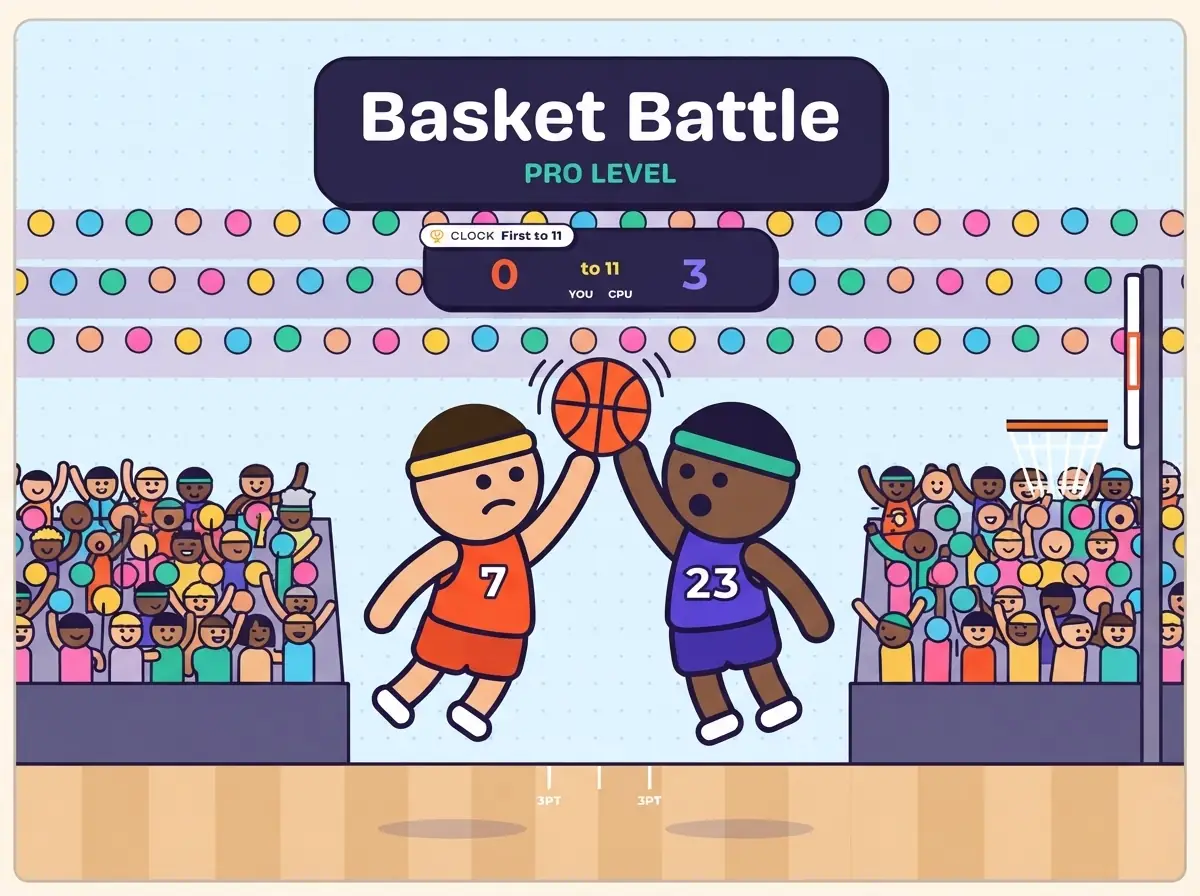
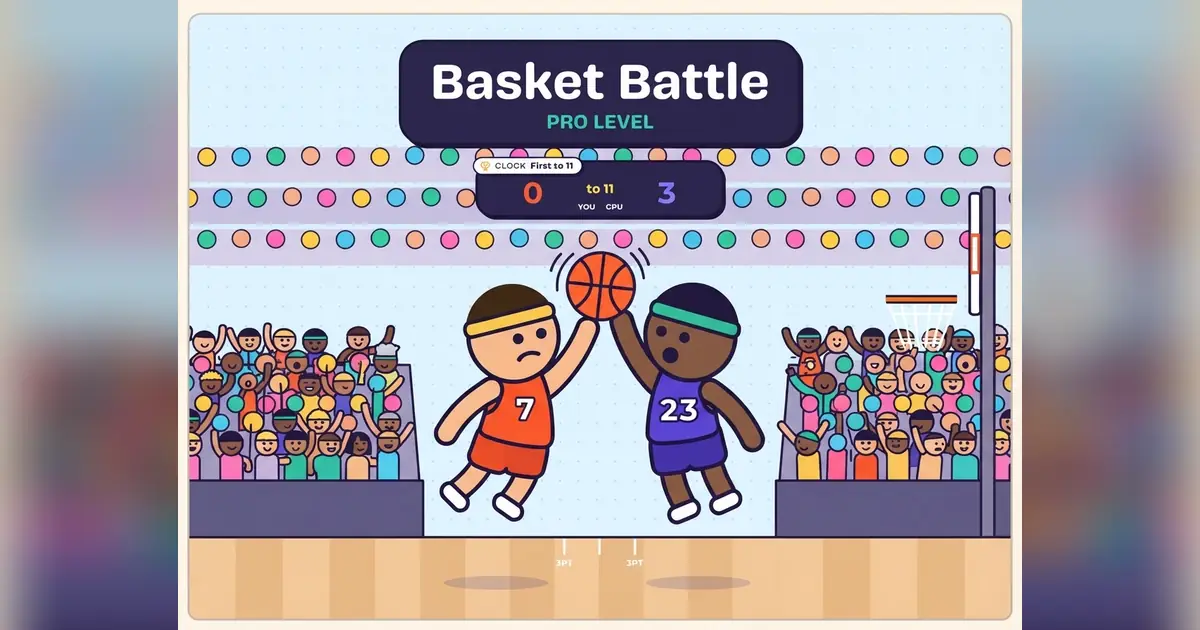
Many 2D games, from puzzles to physics sports games like our Basket Battle, use the canvas this way.
WebGL: 3D in the browser
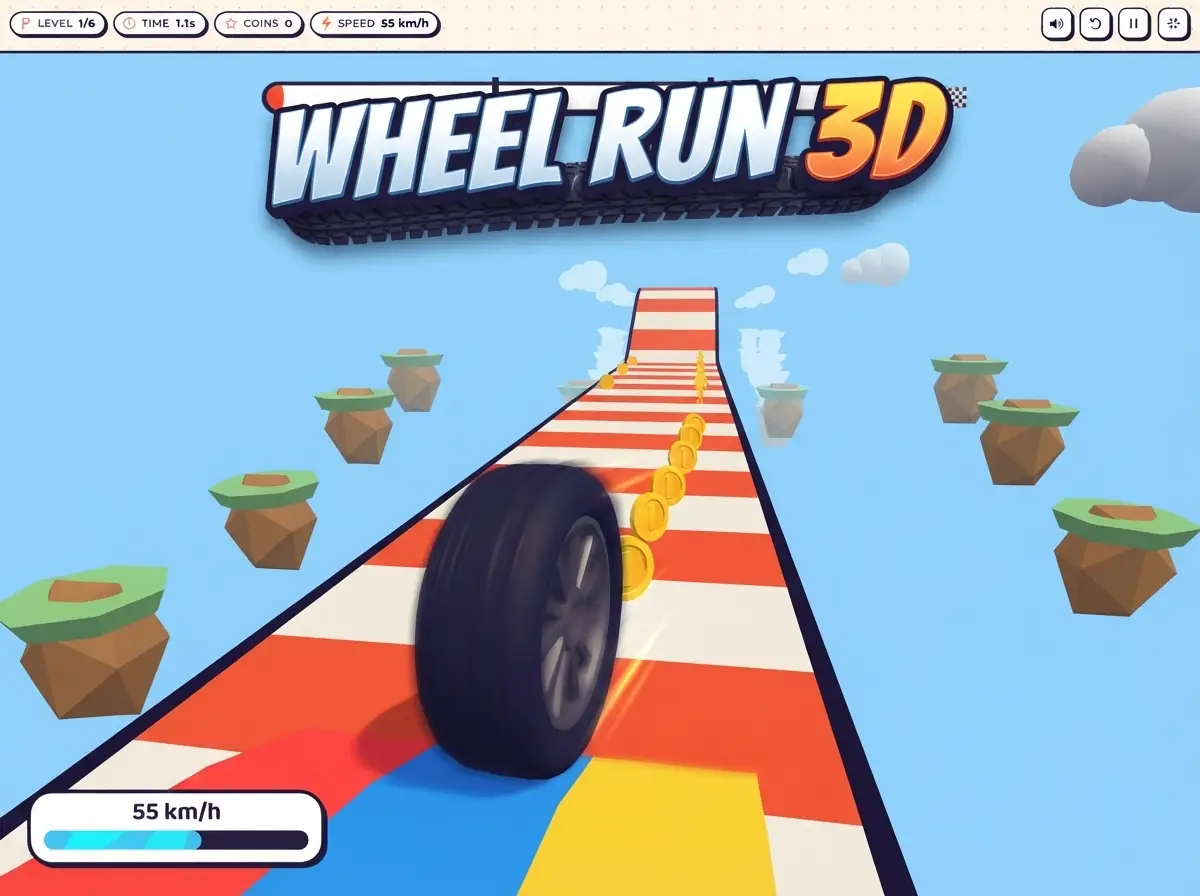
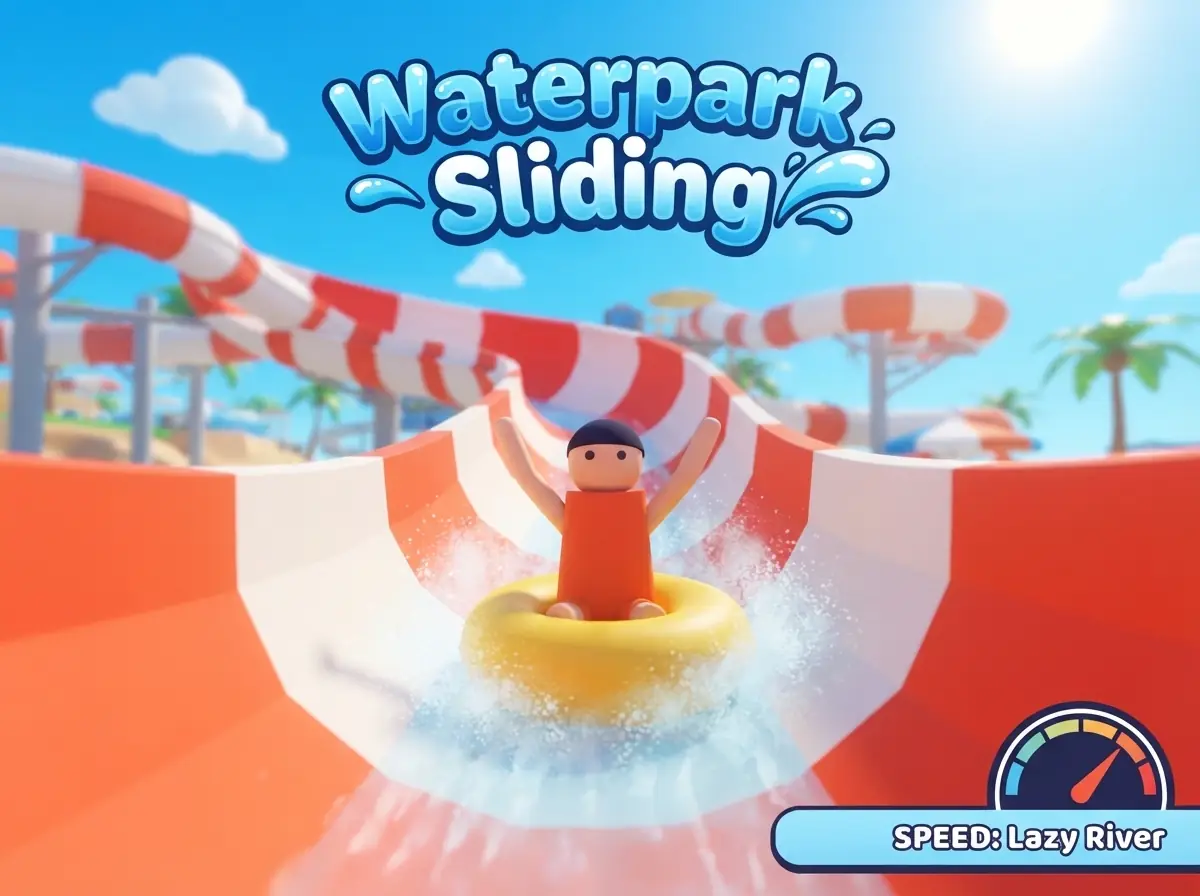
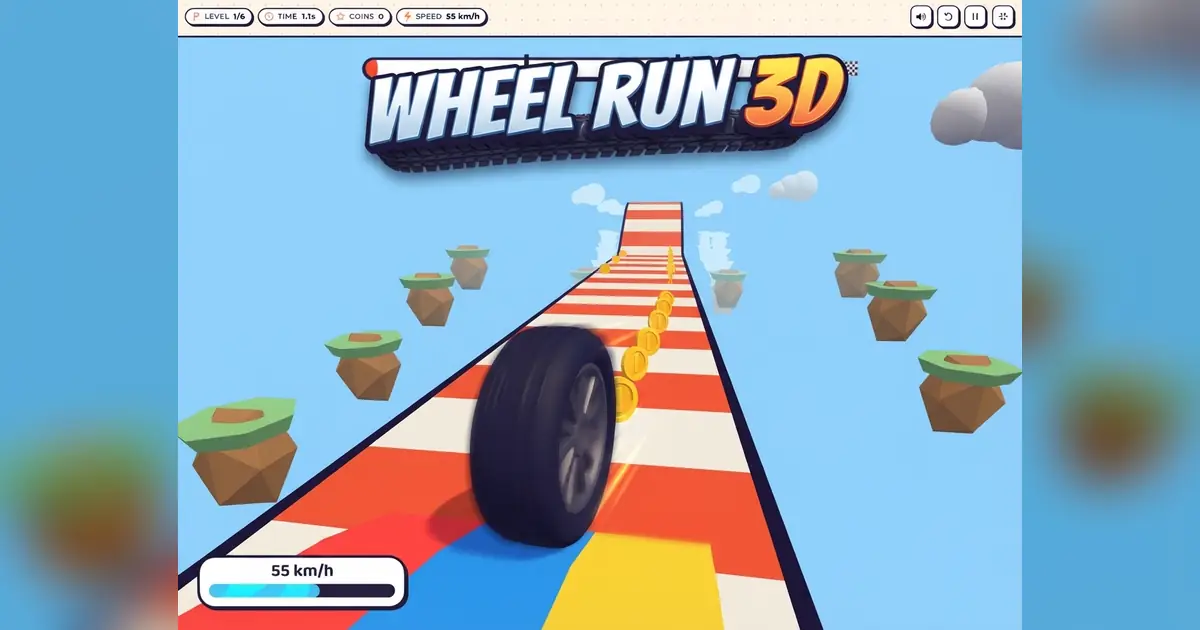
For more demanding graphics, browsers support WebGL. It gives games access to your device's graphics chip, the same hardware that powers console and PC games. That is how 3D games like Wheel Run 3D and Waterpark Sliding can show fast, smooth scenes in a browser tab.
The game loop
Almost every game runs a game loop: a small cycle that repeats many times per second.
- Read the player's input, like a key press or a tap.
- Update the game world, like moving characters and checking collisions.
- Draw the new frame on screen.
Browsers provide a special timer that runs this loop in sync with your screen, so the game stays smooth and pauses automatically when you switch tabs to save battery.
Touch, keyboard and more
Browsers understand many kinds of input: mouse clicks, keyboard presses, touch gestures and even game controllers. A well-built HTML5 game listens for all of them, which is why the same game can offer keyboard controls on desktop and swipe controls on mobile.
Sound and saving progress
Modern browsers also include an audio system for music and sound effects, and local storage for saving small amounts of data on your device, such as your best score. This storage stays on your device and is cleared if you clear your browser data.
Why HTML5 games work everywhere
Because every major browser follows the same web standards, one HTML5 game can run on Windows, macOS, Android, iOS and more. Developers build once, and players everywhere can play instantly. Updates are instant too: when a game is improved, you get the new version the next time you open the page.
Final thoughts
HTML5 games combine a drawing canvas, a fast game loop and the browser's built-in input, audio and storage features. The result is a game that opens in seconds on almost any device. Explore our Arcade and Racing categories to see what browser games can do.