
Hot
Runner
90 free games · no download
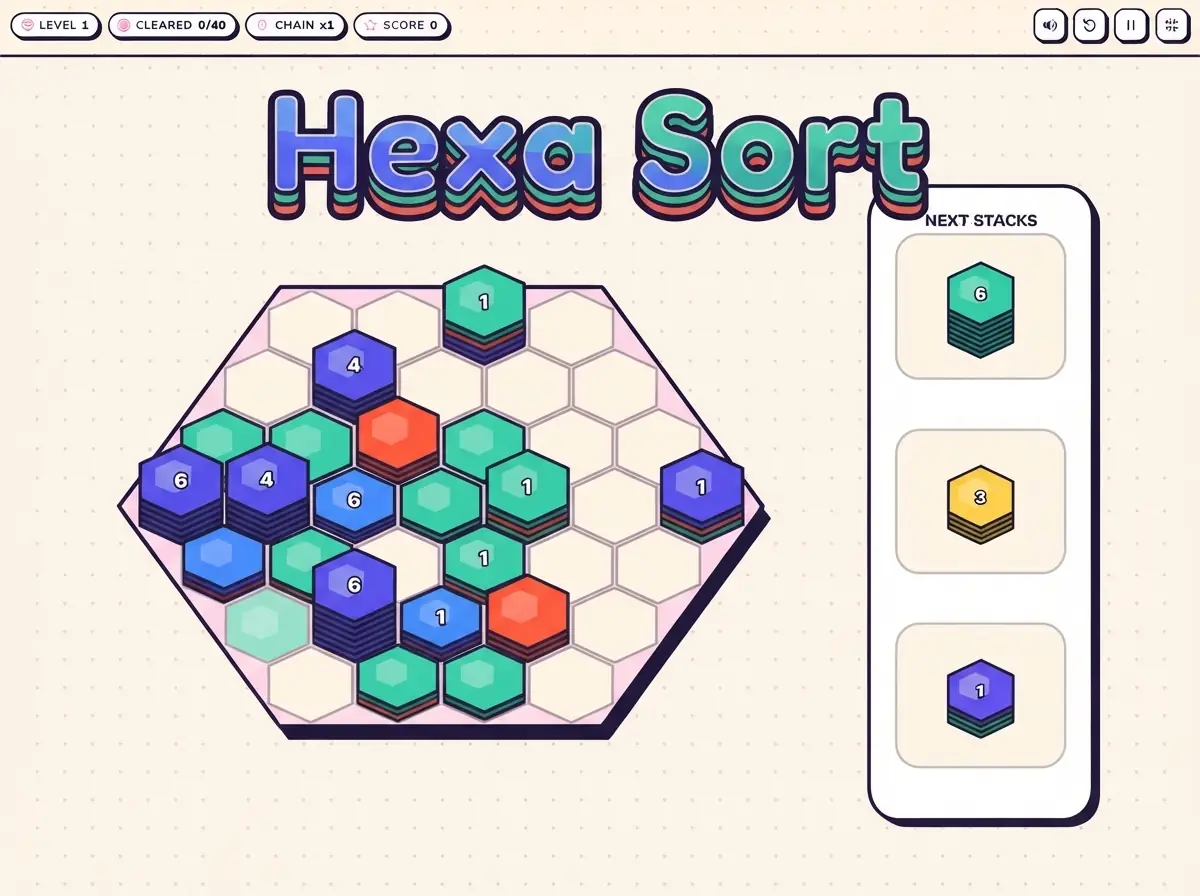
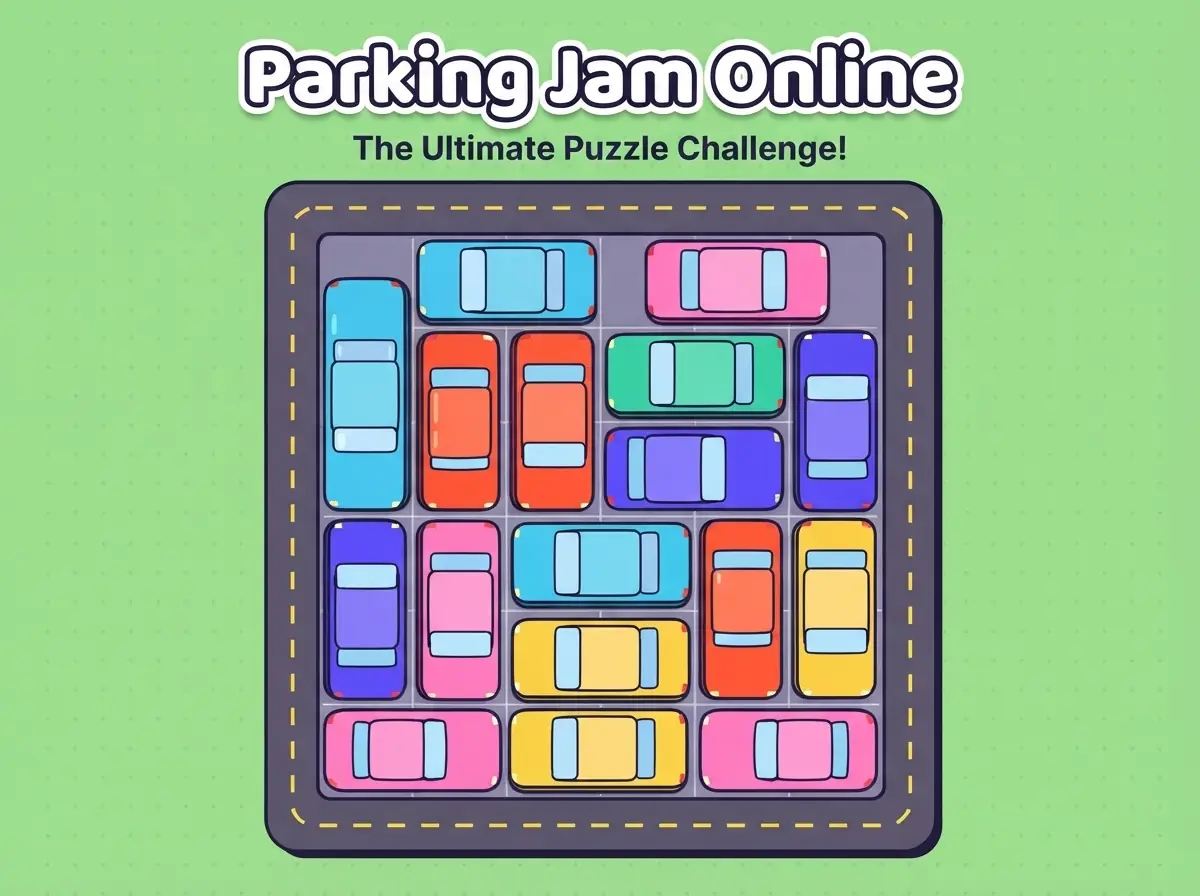
Tap a thumbnail and jump straight in — every CrazyFunPlay title is built for quick rounds on phone, tablet and desktop.
CrazyFunPlay · free HTML5 games that play instantly in your browser
Games open right in your browser. Nothing to install, no account to create, no waiting around.
Layouts and controls adapt to phones, tablets and desktops, with touch and keyboard support.
Each game page explains the goal, the controls and practical tips, so you can jump in confidently.
Cheerful, colourful visuals and fair gameplay, suitable for younger players and grown-ups alike.
Pull the lever and the Surprise-o-matic lands on a random game from our library.
Practical strategy and plain-English explanations written by our team to help you enjoy and improve at browser games.
Yes. Every game on CrazyFunPlay is free to play in your browser. You do not need to create an account or install anything.
Yes. Pages and games are designed for phones, tablets and computers. Each game page lists the touch controls for mobile and the keyboard or mouse controls for desktop.
Yes. Press the Fullscreen button under the game stage to fill your screen, and press Esc or the exit button to leave. During a game, press P or Esc, or tap the pause button, to pause at any time.
Recent versions of Chrome, Edge, Safari and Firefox are supported. For the smoothest experience, keep your browser up to date.
Games that track a best score or level save it in your browser's local storage on your device. Clearing your browser data or switching devices will reset it.
Open the Contact page or email info@crazyfunplay.com. Include the game name, your device and your browser so we can look into it.