New
Casual
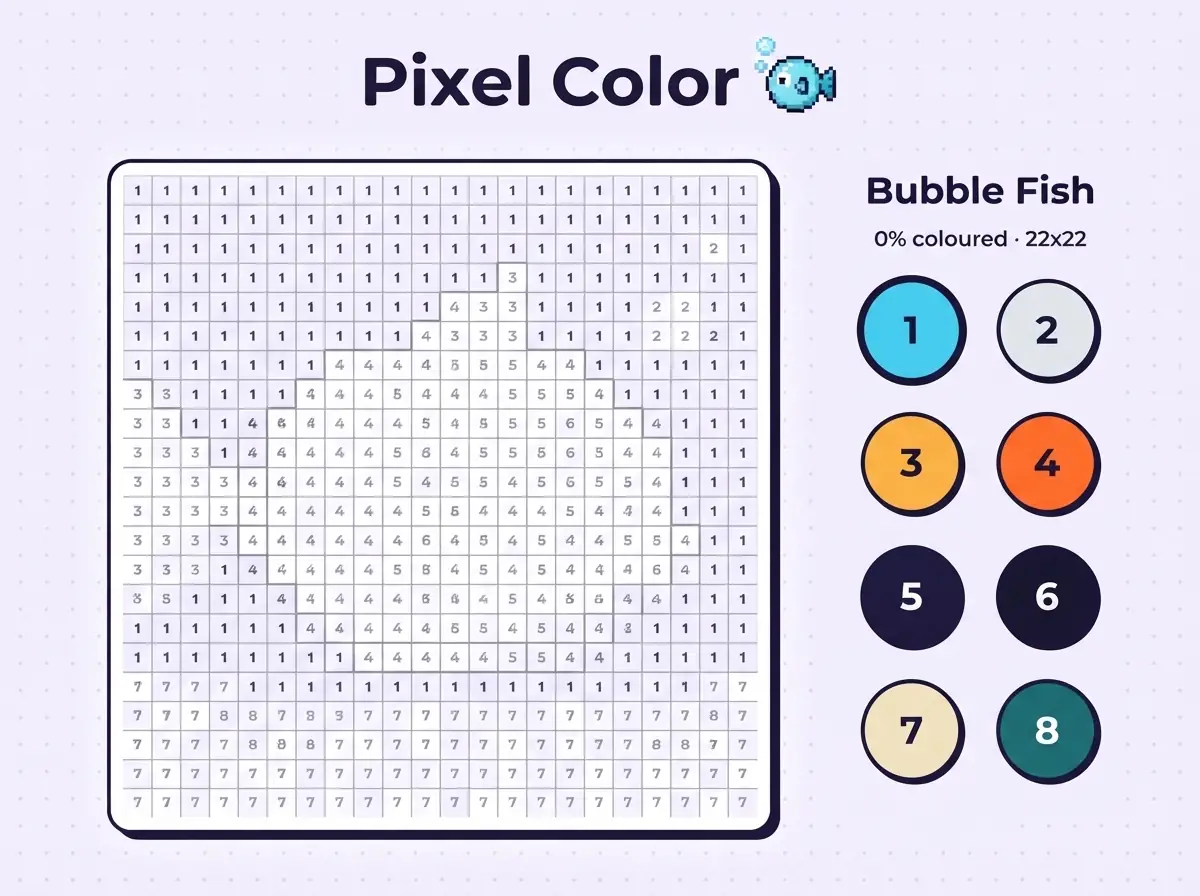
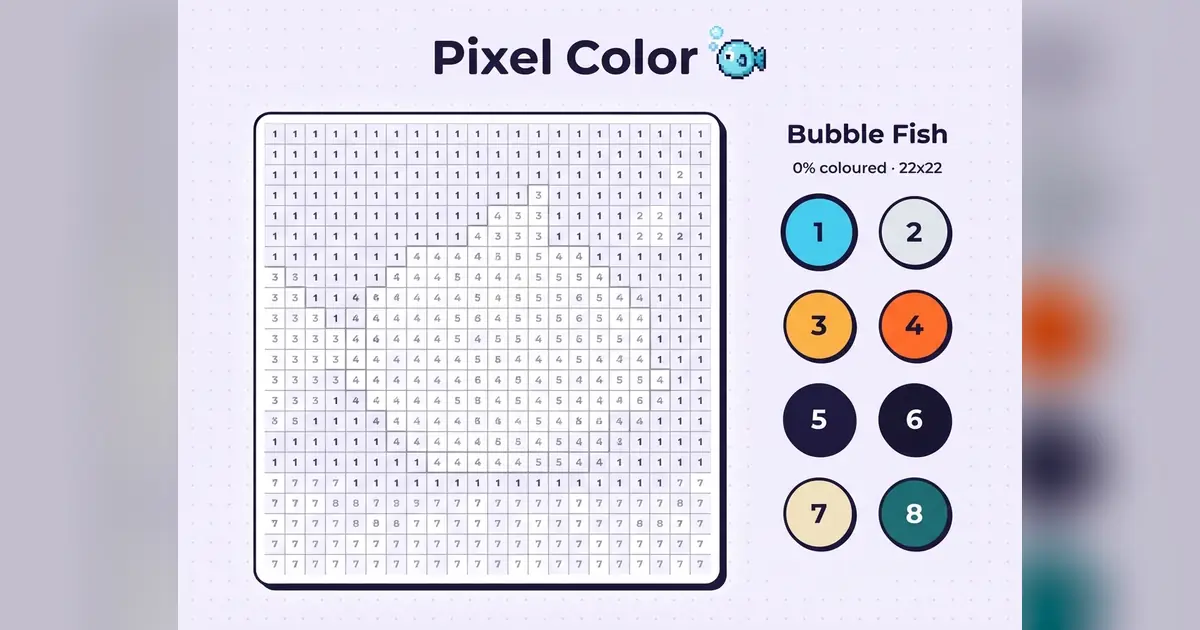
Colour pixel pictures by number. Pick a colour, then tap or sweep across matching squares.
How to playPixel Color is a colour-by-number picture, and the mistakes that ruin a picture are almost always the same: filling a square with the neighbouring colour because the numbers are small. Zoom in, or work one colour at a time from the top of the palette, and do not switch colours until every square of the current number is done.
Sweep only across a run of the same number. A long horizontal line of 4s can be dragged in one motion. The moment the number changes, lift your finger. Dragging through a different number paints it wrong, and those wrong squares are what the accuracy score counts.
Start with the largest areas. They give you the shape of the picture, and the fiddly one-square details make more sense once you can see what they belong to. If a colour seems to have no squares left, check the edges of the canvas. Single pixels hide there.
Start with the colour that has the most squares and sweep large areas.
Highlighted squares show where the current colour belongs.
Finished colours are ticked off in the palette.
Use the bucket when only a few scattered squares remain.
Complete each picture with as few wrong taps as possible.
Pixel Color is a relaxing colour-by-number game. Each picture is a grid of tiny squares, each marked with a number that matches a colour in the palette. Fill them all and the picture comes to life.
Choose from animals, vehicles, nature and food, or try the daily picture. Squares for the colour you are holding are highlighted, and a bucket tool fills a whole colour at once when you just want to see the result.
If you enjoy Pixel Color, these games offer a similar kind of challenge.