
New
Casual
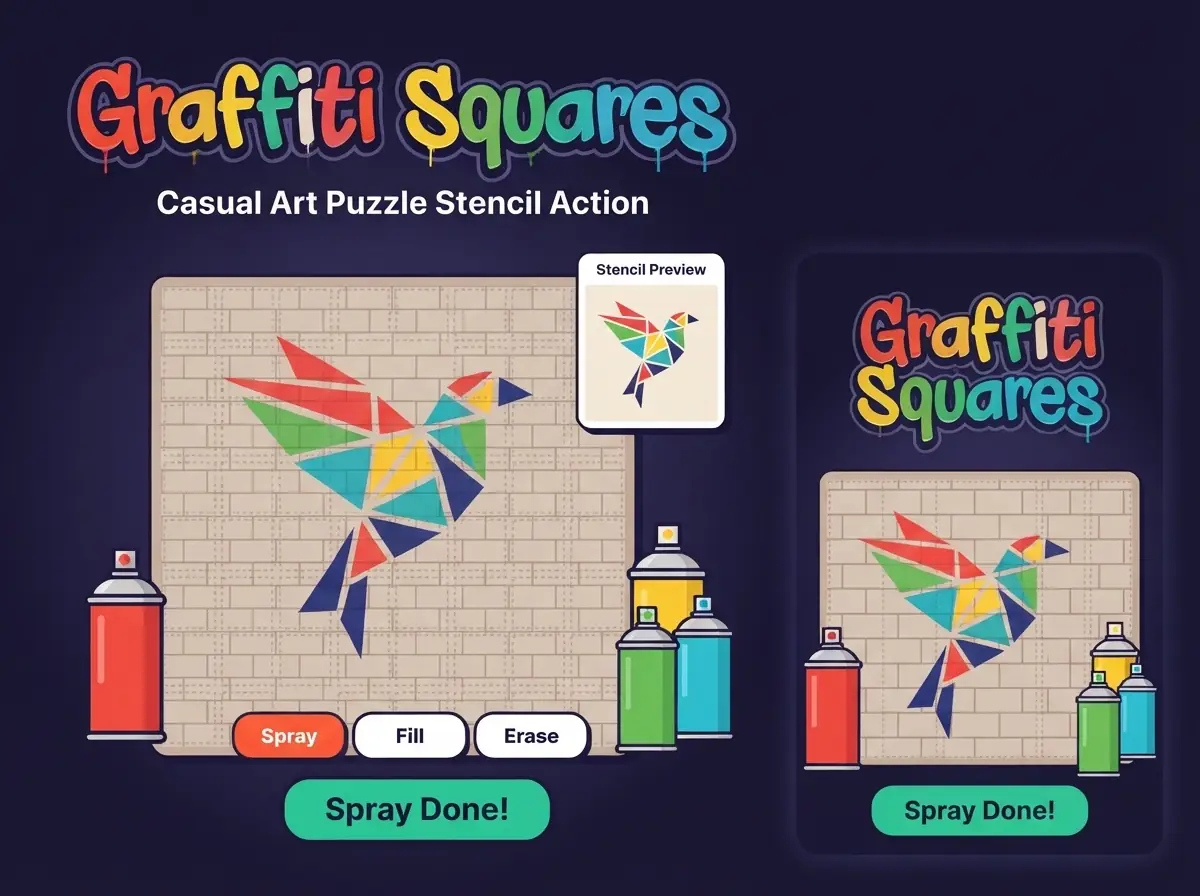
Copy the stencil square by square on a brick wall with spray cans before time runs out.
How to playGraffiti Squares is a copying game with a clock. The stencil shows the target, and your wall starts blank. Matching is judged square by square, so a shape that looks right from a distance can score poorly if the edges are the wrong colour. Do the outline of each shape first, then fill the inside.
Change cans only when the stencil changes colour. Spraying the wrong can on a square is slower to fix than pausing to check. With the timer running, it is tempting to spray through a whole row. Lift off the moment the stencil's colour changes, the same way you would stop a brush at the edge of a line.
Ninety percent is the line for new colours. If you are close but short, the misses are almost always on the border squares, where two colours meet. On the next attempt, do those borders slowly and let the big flat areas be the fast part.
Fill the biggest single-colour areas first with the fill tool.
Outline shapes before filling them so the colour does not spill.
Submit early when you are confident, because unused time adds points.
Free paint mode is great for practising without pressure.
Match the stencil as closely as possible before the timer ends. 90% or better unlocks new colours.
Graffiti Squares turns a brick wall into a pixel canvas. A stencil shows the picture to copy. Grab a spray can and paint the matching squares, flooding large areas with the fill tool when you are confident.
Match a wall at 90% or better to unlock new spray colours, or switch to free paint mode and create your own artwork without a timer.
If you enjoy Graffiti Squares, these games offer a similar kind of challenge.